
SEMrush Site Audit: A Simple Beginner Guide (2026)
A SEMrush site audit should be the first thing you run on any website, before keyword research, before writing a single post.
Most beginners skip straight to content because that’s the part that feels productive. Then three months later the traffic still isn’t moving, and the real cause is sitting untouched in a report nobody opened: blocked pages, broken internal links, a noindex tag left on by accident from the staging site.
This guide walks through setting up your first SEMrush site audit, reading the report without panicking, and fixing the handful of issues that actually move the needle. If you haven’t used SEMrush at all yet, the SEMrush for beginners guide covers the platform overview first.
What is a SEMrush site audit?
A SEMrush site audit is an automated crawl of your website that checks for technical SEO problems across more than 140 issue types, then scores your site’s overall health from 0 to 100. It covers crawlability, security, performance, on-page elements, and internal linking. So it ends up running roughly the same checks Google’s own crawler cares about.
The output is a sorted list: errors first, then warnings, then notices, each one with an explanation of why it matters and how to fix it. There’s no pass or fail mark anywhere on it.
How to Run Your First Technical Crawl
Setting up the audit takes about ten minutes, most of which is waiting for the crawl to finish.
- Open your project in SEMrush, or create one by entering your domain if you haven’t already.
- Click into Site Audit from the project dashboard.
- Check the crawl scope covers your full domain, including both www and non-www if either is in use.
- Set the crawl limit. Free accounts get 100 URLs per crawl, which covers most new blogs. Paid plans go up to 100,000.
- Leave the user agent as SEMrushBot unless you have a specific reason to change it.
- Hit Start Audit and wait. Small sites finish in a few minutes.
- Open the overview once it completes. This is your baseline.
That baseline matters more than the score itself. Because whatever number you land on today, the only job from here is to watch it move in the right direction.
How to read the site audit report
Site health score
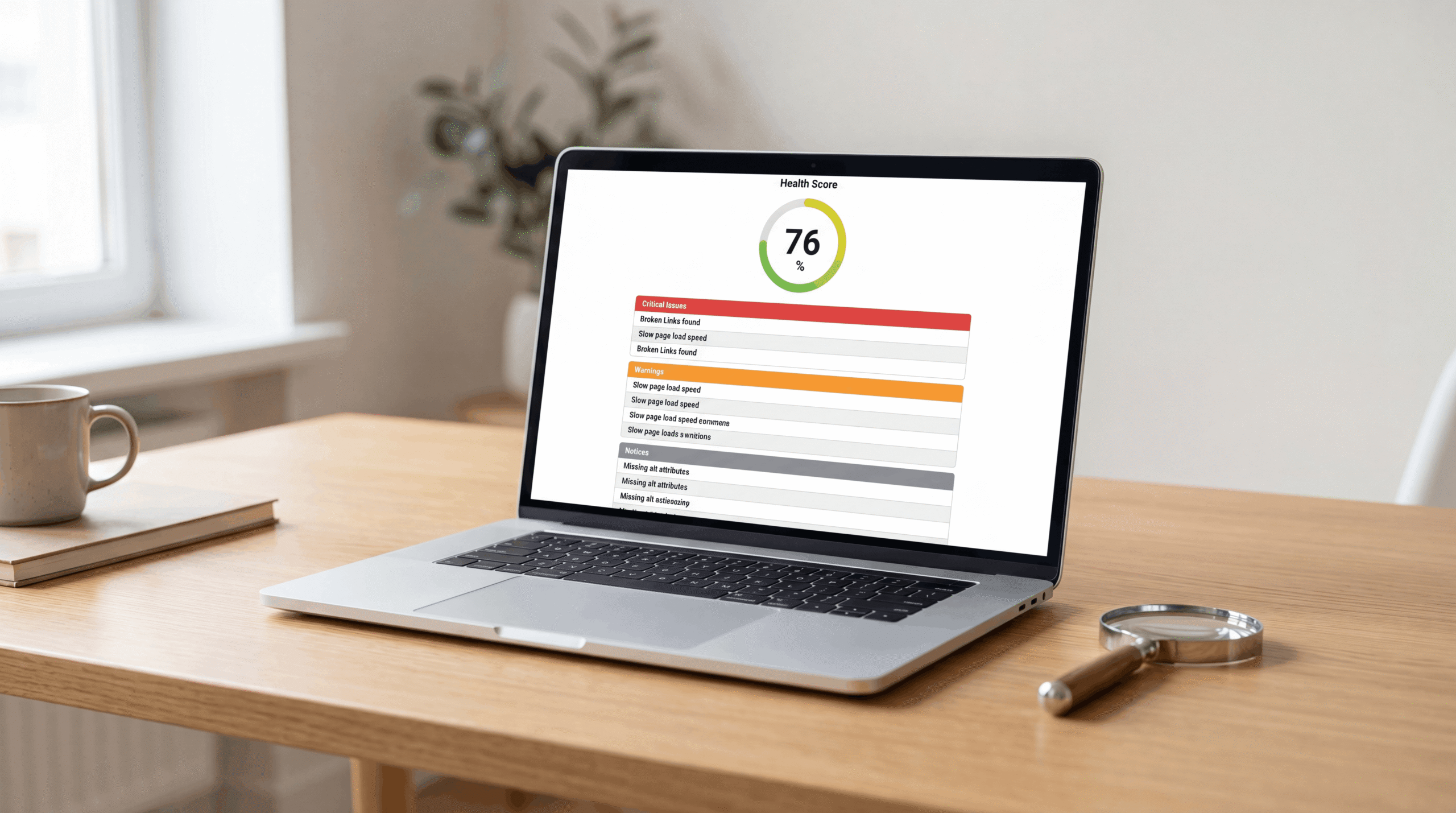
The site health score is SEMrush’s single-number summary of your site’s technical condition. It’s weighted by how many issues exist and how severe they are. A brand new WordPress install typically lands around 70 to 80 before any fixes. Below 50 usually means something structural is wrong, not just a few loose ends.
Don’t treat the number as a grade on you. Treat it as a starting line.
Errors, warnings, and notices
Errors are the issues actively hurting your ability to rank or get crawled at all. Things like broken pages, blocked URLs that shouldn’t be blocked, and duplicate content with no canonical tag. Fix these first, every time.
Warnings reduce performance without breaking anything outright. Missing meta descriptions, slow load times, thin pages. Work through these once errors are clear.
Notices are minor and often intentional, an orphan page you meant to keep off the main navigation, a noindex tag on a thank-you page. Last priority, sometimes no action needed at all.
Thematic reports
Below the headline score, SEMrush splits everything into Crawlability, HTTPS, Performance, Internal Linking, Markup, and International SEO. Each section lists specific issues with a “why and how to fix it” link attached. Click those. They’re written for exactly this situation.
What to Fix First: Errors Explained
Crawlability issues come first, full stop. If Google can’t crawl a page, nothing else about that page matters. Not the keywords, not the content quality, none of it. Check for pages accidentally blocked in robots.txt, noindex tags left on pages that should be indexed, and broken internal links returning 4xx errors.
HTTPS and security issues come next. Mixed content warnings, where an HTTPS page loads some elements over HTTP, can trigger browser security flags and quietly damage trust signals.
Core Web Vitals issues are usually a WordPress theme or plugin problem rather than something you wrote. SEMrush flags slow load times, layout shift, and poor interactivity, the same metrics covered in Google’s Core Web Vitals documentation. A decent caching plugin clears a surprising number of these on its own.
On-page SEO issues are the most beginner-friendly to fix. Missing titles, duplicate meta descriptions, missing H1s, thin content under roughly 200 words. All of it is directly editable inside WordPress, no technical knowledge required.
Internal linking issues mean orphan pages, content with zero internal links pointing to it. If nothing on your site links to a page, neither users nor Google’s crawler will reliably find it. Every published page should have at least one internal link from somewhere else on the site.
What is a good site health score in SEMrush?
A good site health score in SEMrush depends on site size and age rather than a fixed number. New sites under 20 pages should sit above 80. Growing sites between 20 and 100 pages typically run 75 to 85, with some warnings being normal at that scale. Larger established sites often sit at 70 to 80 even when well maintained, because complexity adds warnings even when errors stay at zero.
The trend matters more than the snapshot. A site climbing from 65 to 78 over three months is in better shape, in Google’s eyes, than a site frozen at 80 because nobody’s checked it since launch.
How Often Should You Run This Crawl?
Weekly, if you’re publishing regularly. Every new post adds internal links, new pages, and new chances for something to break, a redirect that wasn’t set up right, a broken link to an old category. SEMrush can schedule this automatically under the audit settings, so it’s a five-minute setup rather than an ongoing chore.
Once your publishing schedule stabilizes, every two weeks is enough. The rule is simple: audit more often when you’re actively changing things, less often when the site is stable.
Free vs Paid: What Changes
The free plan caps crawls at 100 URLs. That’s plenty for a blog under roughly 50 posts once you account for category and tag pages. Beyond that, the Pro plan at $139.95 a month raises the limit to 100,000 URLs and adds scheduled crawls plus historical comparison, so you can watch the health score trend over time instead of taking one-off snapshots.
Start free. Run the audit, fix what it finds, and let the site outgrow the limit before paying for more crawl capacity than you need.
Frequently asked questions
What does the audit actually check?
It checks over 140 technical SEO issue types across six categories: crawlability, HTTPS and security, performance including Core Web Vitals, on-page elements like titles and meta tags, internal linking structure, and international SEO setup such as hreflang tags.
How accurate is the SEMrush site health score?
The score reflects the number and severity of issues SEMrush’s crawler finds during that specific crawl, so it’s reproducible and consistent, but it’s a relative measure rather than an absolute one. Use it to track your own site’s trend over time rather than comparing it directly against unrelated sites.
Can the tool fix issues automatically?
No. SEMrush identifies and explains issues but doesn’t make changes to your site. Each flagged issue links to a fix explanation, and the actual fix happens in your CMS, hosting settings, or theme files depending on the issue.
Does it check page speed too?
Yes, the Performance section covers Core Web Vitals including Largest Contentful Paint, Cumulative Layout Shift, and load time, all of which are direct Google ranking factors.
How many pages does SEMrush site audit crawl on the free plan?
100 URLs per crawl on the free plan, increasing to 100,000 on the Pro plan at $139.95 a month.
What’s the difference between errors, warnings, and notices?
Errors are critical issues actively hurting rankings or crawlability and should be fixed first. Warnings reduce performance without breaking anything and come second. Notices are minor, often intentional, and usually lowest priority or no action at all.
Once your site’s technical foundation is clean, the next move is building out a keyword list your content can actually target. The SEMrush keyword research guide covers exactly that.





2 Comments